
Orange Booth · AI motion transfer
Hotel Lobby AI Video Generator
Put two people into an orange-booth microphone duet. Preview the performance and sound, then upload your photos to cast the roles.
Cast your video
Two friends
Output
8 sec · 480pFast, lightweight and ready for social feeds.
Pay only for the output you select · Failed renders are refunded · No watermark
The answer before you upload
How do I make a Hotel Lobby AI video from two photos?
Choose a cast, upload one clear JPG or PNG for each person, select 8 or 15 seconds and 480p or 720p, then generate. Trendeo uses a prepared duet video and its embedded audio; you do not need to provide a source video or write a prompt. The 8-second 480p option costs 10 credits, covered by the $7.99 first-video pack.
Watch the source preview with sound before buying. Photo-based face and lip results can vary, so review your completed video before sharing.
From photos to post
Three steps. From photos to video.
Pick your two performers
One clear front-facing photo each. Left photo raps, right photo nods and reacts.
Keep the template motion
We transfer the prepared performance: camera, timing, soundtrack, microphone and duet roles.
Generate
Your video appears automatically when it is ready. The Orange Booth source produces a 16:9 landscape MP4.
Built for the template
What makes it feel real.
Identity lock
The prompt assigns one person to each role and aims to prevent swaps. Review the finished clip: AI can still make mistakes.
Prepared source
The 8-second preview uses the orange studio treatment; the 15-second preview keeps the source room. Both include their source audio.
Locked-off camera
The camera stays put, so the shot does not fall apart.
16:9 landscape
The source framing stays horizontal so the two performers remain visible.
Related effect setups
Same motion. A different cast.
These are casting setups for the live template, not generic prompt ideas. Choose one and the generator loads the matching role map.
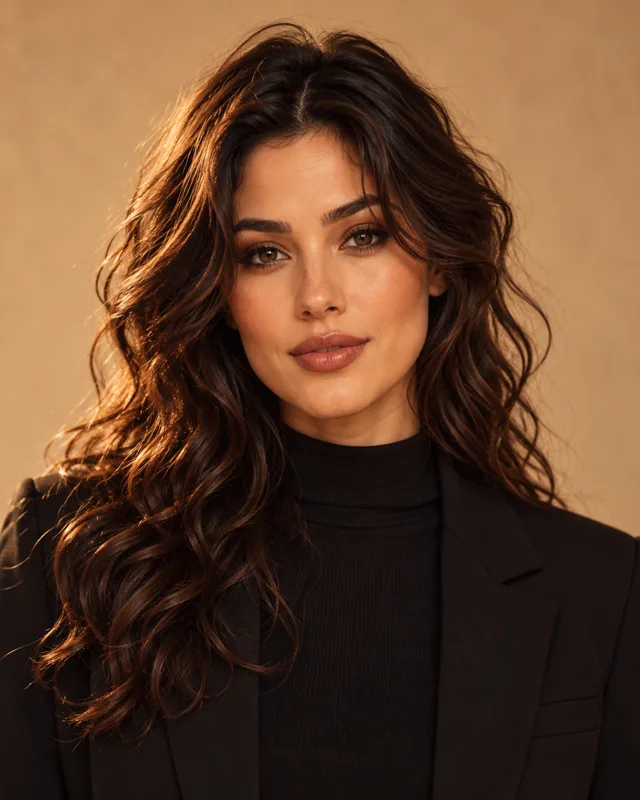
Two friends
Left photo raps. Right photo nods and reacts.
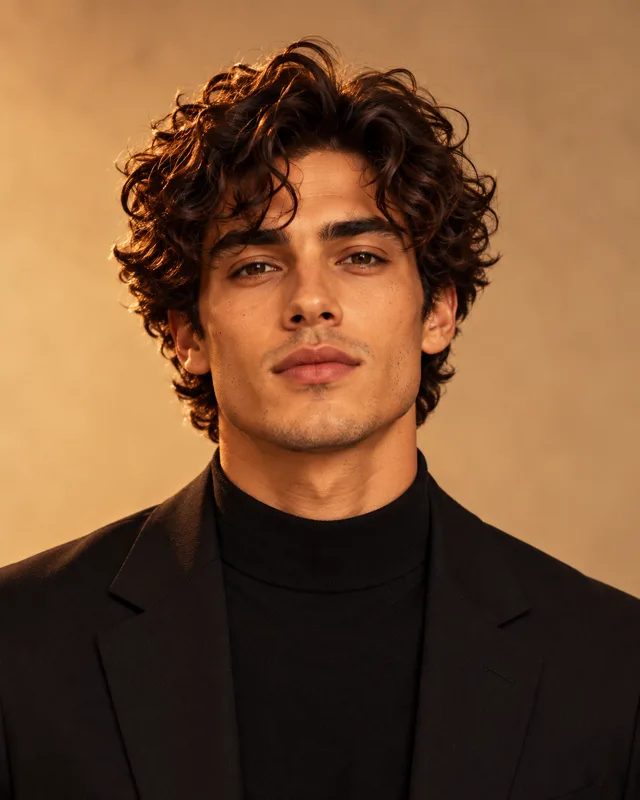
Couple
A pair, kept distinct. Left raps, right reacts.
Pet + owner
A person on the left. Their pet on the right.
Solo
One person. A second angle is optional.
Cartoon avatar
Same performance, drawn as cartoon avatars.
Brothers
Two brothers. Faces stay distinct and unswapped.
What it costs
Know the cost before you render.
Credits are based on duration and output quality, so an eight-second 480p clip costs less than a fifteen-second 720p clip.
The exact credit cost appears before you generate. Failed or blocked renders return all credits automatically.
Use clear, front-facing JPG or PNG photos under 3 MB. Trendeo keeps the source motion and timing, sends only the cast references needed for the selected template, and returns the finished landscape video to this browser.
Good to know
Questions, answered.
What is the Hotel Lobby AI video?
It is a two-person microphone-duet template inspired by the viral format. Trendeo supplies a prepared 8-second orange-booth or 15-second source performance, with each clip's embedded audio. You cast its roles with photos.
How do I make a Hotel Lobby AI video from two photos?
Pick a two-person cast, upload one clear front-facing JPG or PNG for the left performer and one for the right, choose an available duration and resolution, then generate. You can play the actual template before paying. No source-video upload or prompt writing is required.
Does the Hotel Lobby AI video have sound?
Yes. The current Orange Booth source includes audio, and the generator asks the model to preserve it in the result. Play the source preview with sound and check your completed video before sharing.
Is the Hotel Lobby AI video free?
The source preview and prompt guide are free to watch and read. A personalized render uses credits. One 8-second 480p template render costs 10 credits; the first-video pack provides exactly 10 credits for $7.99. Longer or higher-resolution renders need more credits.
Do I need the original video clip?
No. You do not upload a video. Trendeo supplies a prepared source performance in the selected length. You only upload photos: one clear front-facing face each, with nothing covering the face.
How many credits does it use?
The eight-second 480p short uses 10 credits; eight-second 720p uses 21. The full fifteen-second effect uses 18 credits at 480p or 37 credits at 720p. Sign in to keep one balance across every template. Failed renders return the full amount.
Why do the two faces drift or swap?
Generative video can make identity or lip-sync mistakes, especially with side-on, covered, or group photos, or two similar-looking people. Use one clear front-facing face per photo. Trendeo's prompt assigns left and right roles but cannot guarantee perfect identity or mouth movement; review the finished video.
Can I do it with one person, or with a pet?
Yes. Solo uses one photo and keeps a single identity. Pet + owner puts a person on the left and a pet on the right. Cartoon avatar keeps the same performance and draws both people. Pick the template, then generate.
What's the best prompt for the Hotel Lobby template?
Use the preserve, change, setting, cast lock, audio, and avoid prompt on the guide. It locks the camera, pins who is on the left and who is on the right, and tells the model to preserve the selected source clip's background, performance timing, and embedded audio. This page sends that prompt for you.